
LoRaWAN Network
To get familiar with the inner workings of a LoRaWAN network, I set up a network using a single basic LoRa node, a Heltec HT-M00 Gateway, and a ChirpStack server.
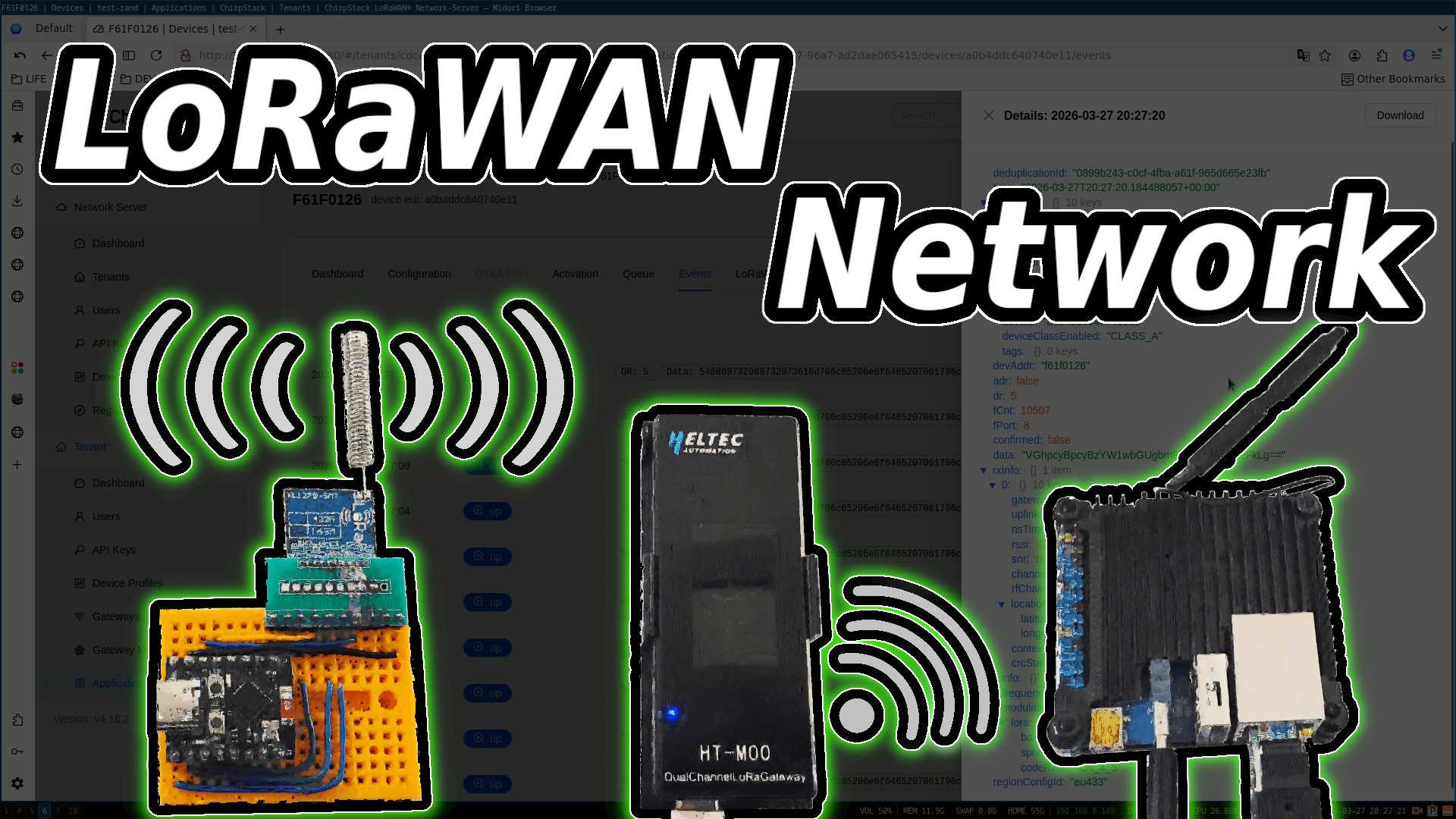
LoRaWAN Node
A node will have a base frequency, which is determined by legal regulations in your jurisdiction, and will dictate the physical antenna used. Radio channels are then created by dividing sections of frequency bands based on the selected bandwidth, derived from the base frequency.
LoRa module settings for a LoRaWAN network:
| Setting | Value |
|---|---|
| Spreading Factor | SF7–SF12 |
| Bandwidth | 125 kHz |
| Coding Rate | 4/5 |
| CRC | Enabled |
| Sync Word | 0x34 |
| Preamble | 8 |
- The coding rate is the proportion of useful data to error correction data.
- The spreading factor defines the time-on-air for each transmission (higher SF = longer range but slower data rate).
- The sync word is used to isolate LoRaWAN network traffic from other LoRa networks.
The Device ID used by the node is in little-endian format.
Frequency channel usage is defined by regional legislation. In short, specific frequency channels should not be overused.
Specifications are provided by the LoRa Alliance:
https://resources.lora-alliance.org/
LoRaWAN Gateway
The gateway listens on multiple frequencies, receives and demodulates LoRaWAN radio packets, and then passes the data to the application layer.
The LoRa node and gateway must have frequency settings that correspond to each other.
The Heltec HT-M00 Gateway uses the Semtech UDP packet forwarder protocol to forward data received from a LoRaWAN node to the network server.
LoRaWAN Network Server
The network server handles session establishment, payload decryption, and network routing.
Activation By Personalization (ABP)
If a LoRaWAN node uses ABP to connect to a network server, it can start sending data immediately. There is no need for a join procedure to establish a session.
The LoRaWAN network server must know a node’s:
- Device Address (4-byte little-endian identifier)
- Network Session Key (NwkSKey)
- Application Session Key (AppSKey)
Advanced Encryption Standard (AES) is used to encrypt data and ensure authenticity.